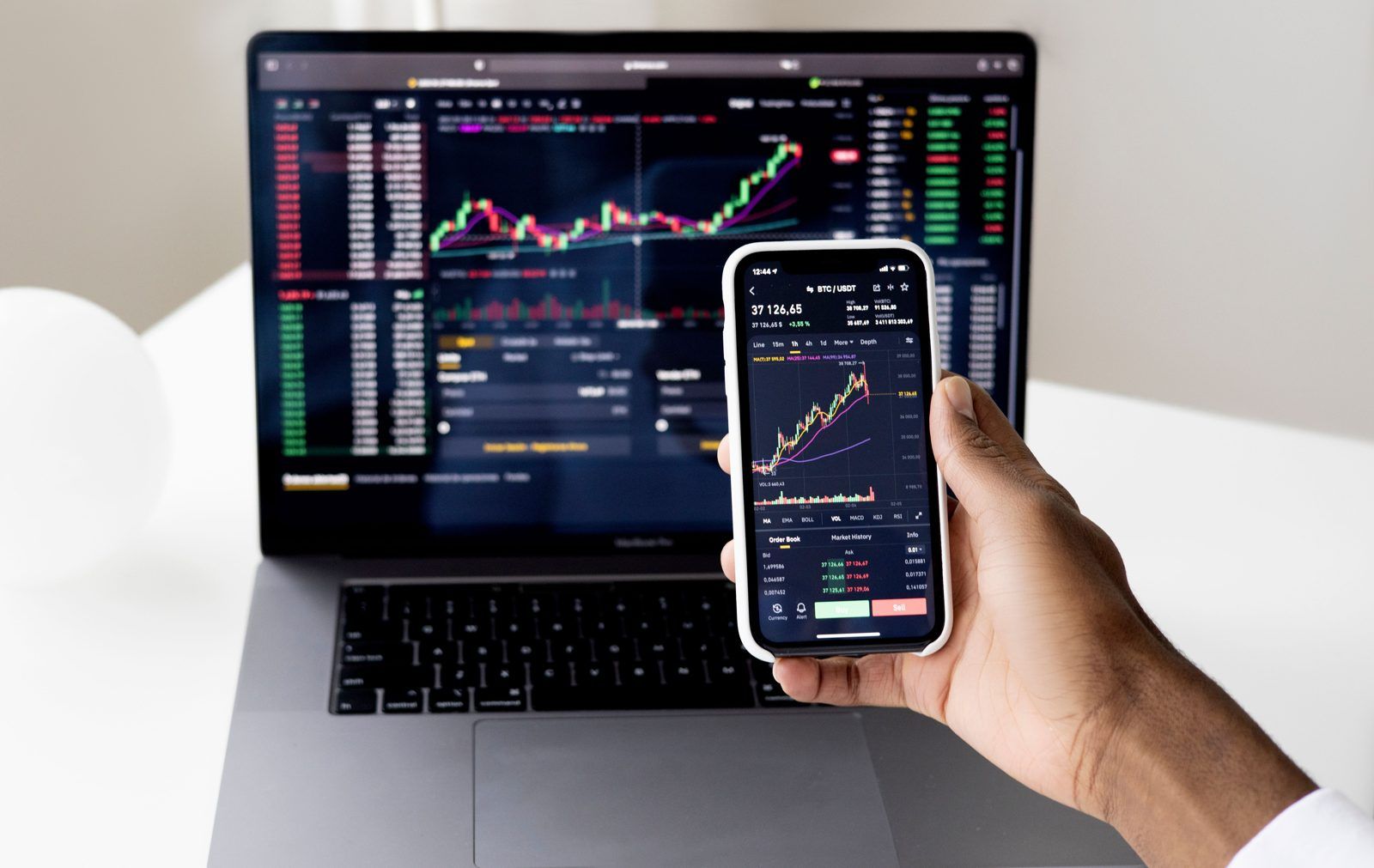
Why the app matters more than you think
Copy trading is sold as hands-off, but the moments that decide your result are very hands-on: deciding whether to start a copy, adjusting leverage, reacting (or not reacting) to a drawdown, and stopping a copy that has drifted from its style. Most of those decisions happen on a phone, often on the move. An app that hides fees, buries risk settings or shows misleading statistics makes good decisions harder. An app that puts the right numbers in front of you makes them easier.
Anatomy of a good copy trading dashboard
Net PnL, clearly
Realised and unrealised profit, with trading fees and profit share shown separately — not just a single green number.
Position risk
Each copied position with side, leverage, margin and liquidation price, so you can see how fragile it is.
Settings in one tap
Leverage cap, take-profit/stop-loss and total stop-loss editable from the copy screen.
Trader activity
The lead trader's latest trades and current positions, to spot style changes early.
Easy exit
A clear Stop Copying button that tells you what will happen to open positions.
Useful alerts
Notifications for liquidation risk, stop-copy triggers and big changes in the trader's settings.
Leaderboard features worth having
The discovery screen shapes which traders you notice. Good apps let you go beyond "sort by ROI":
| Feature | Why it helps |
|---|---|
| Filter by max drawdown | Removes reckless traders from view before you are tempted |
| Filter by trading days | Hides profiles with a few lucky weeks |
| Sort by risk-adjusted metrics | Rewards consistency over raw return |
| Full trade history | Reveals leverage, holding times and averaging-down habits |
| AUM and copier trends | Shows sudden inflows that might change behaviour |
| Profit share on the card | Cost visible before you click Copy |
For how to use these numbers, read how to choose a copy trader.
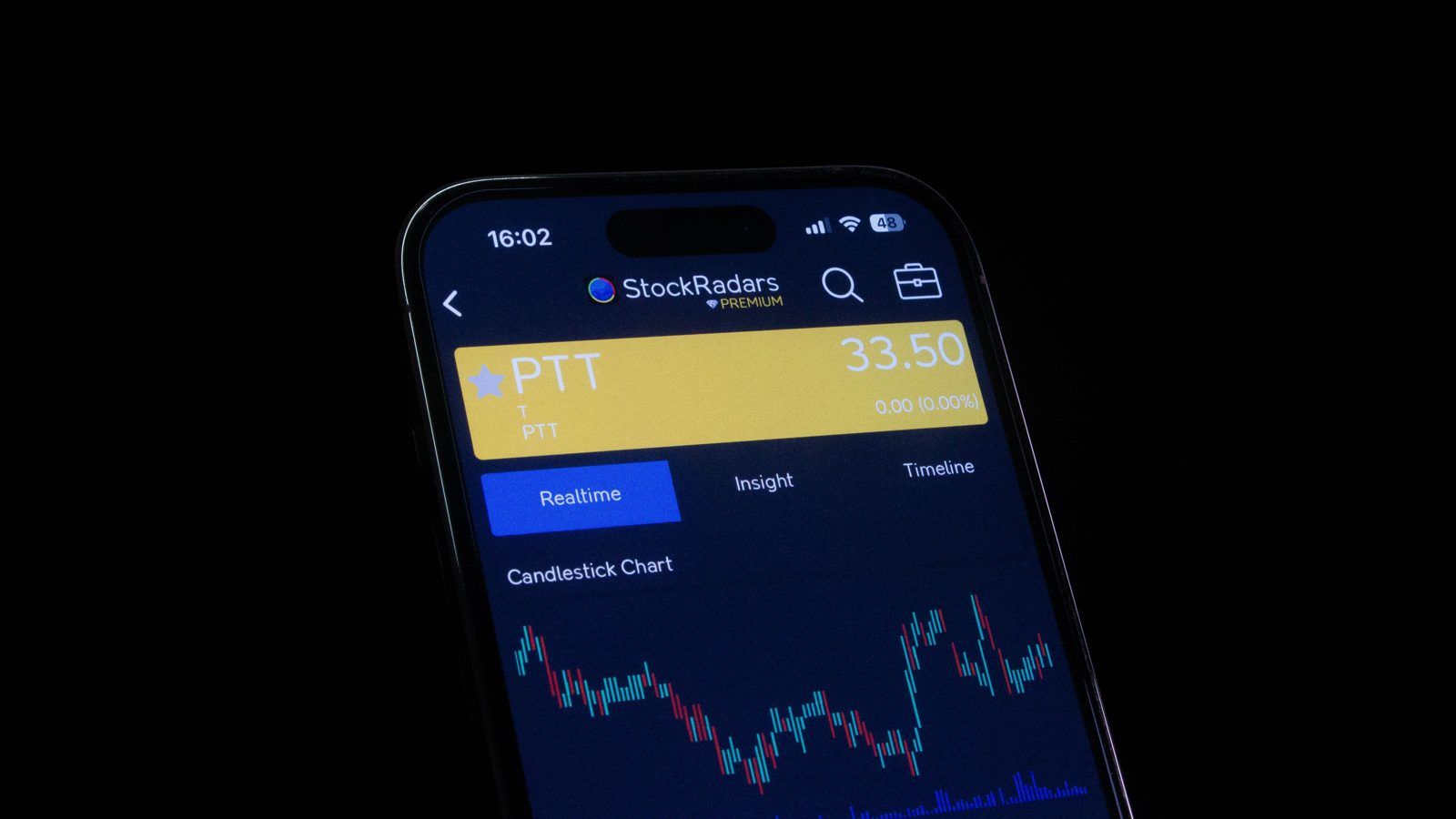
Exchange apps with built-in copy trading
The simplest and usually safest route is the official app of the exchange you copy on. Major exchanges with copy trading in their mobile apps include:
- Binance — futures and spot copy trading inside the main app.
- Bybit — copy trading section focused on derivatives.
- OKX — copy trading with several modes in its app.
- Bitget — futures, spot and bot copy trading.
- BingX — a simple copy trading flow aimed at beginners.
- eToro — CopyTrader inside a social, multi-asset app.
Feature details differ between web and mobile versions; some advanced settings may only be on the web. Check before relying on the app alone.
Third-party copy trading apps and terminals
Some tools sit on top of exchanges: you connect your account using API keys and the tool mirrors trades, runs bots or aggregates several exchanges into one dashboard. They can be useful, but they add another party with access to your trading. Ground rules:
- Never enable withdrawals on API keysTrade-only permissions are enough for legitimate tools.
- Restrict API keys by IP if possibleSo stolen keys are useless elsewhere.
- Download from official stores onlyUse links from the tool's official website, not from messages.
- Check how long it has existedAnd what independent users say about it.
For bot-style tools, see copy trading bots and our 3Commas review.
Fake copy trading apps: warning signs
Signs of a legitimate app
- Published by a known platform you can verify
- Funds stay in an account you control
- Clear fees and risk disclosures
- Withdrawals work without extra payments
Signs of a fake
- Recommended by a stranger online
- Guaranteed returns or fixed daily profit
- "Tax" or "unlock fee" before withdrawals
- Not in official stores, or a copycat name
Our risks and scams guide covers these schemes in detail.
Security settings to turn on today
- App-based two-factor authentication (not SMS where you can avoid it)
- Biometric lock on the exchange app
- Anti-phishing code for emails, if offered
- Withdrawal address whitelist
- Device management: remove old devices from your account
Try the interface before the money
Our copy trading simulator works on mobile and desktop and mirrors the core dashboard of a real copy product: a leaderboard with ROI, win rate and drawdown, copy settings with leverage caps and stop-copy limits, positions with liquidation prices, and a running log of copied trades. Ten minutes there will tell you which numbers you want your real app to show.
Turn on notifications for stop-copy triggers and liquidation warnings, and turn off price alerts you do not need. Too many notifications push you toward impulsive decisions.
Mobile workflow: a weekly routine
A good app makes a calm routine easy. A simple weekly check might take ten minutes:
- Open the copy overviewNote total equity, net PnL and drawdown per copy.
- Scan open positionsLook for positions near liquidation or with unusually high leverage.
- Check each trader's recent activityHas their style, size or market focus changed?
- Confirm settingsLeverage caps and stop-loss settings are still what you intended.
- Log itA line in a note or spreadsheet. Patterns are easier to see over months.
Web vs app: where features differ
Exchanges sometimes put advanced copy settings, detailed statistics or export tools on the web version first. On mobile, menus may be simplified. Before relying on the app alone, check that you can do everything you need from it: adjust leverage caps, change stop-loss settings, see full trade history and stop a copy. If something is missing, make the change on desktop when you set up the copy, then use the app for monitoring.
Dashboard metrics glossary
| Term | Meaning |
|---|---|
| Realised PnL | Profit or loss from closed positions |
| Unrealised PnL | Profit or loss on open positions at current prices |
| Copy equity | Allocation plus realised and unrealised PnL, minus fees and profit share |
| Margin | Funds locked to support a leveraged position |
| Liquidation price | Price at which a leveraged position is closed by the exchange |
| AUM | Total follower funds copying a trader |
| HWM | High-water mark used to calculate profit share |
For how profit share interacts with these numbers, see profit sharing explained.
Frequently asked questions
What is the best crypto copy trading app?
The best app is usually the official mobile app of the platform you copy on, as long as it gives you clear PnL after fees, full trader statistics and easy risk settings. Binance, Bybit, OKX, Bitget, BingX and eToro all provide copy trading in their mobile apps.
Can I copy trade crypto on my phone?
Yes. Most exchanges let you browse lead traders, start and stop copies, adjust settings and monitor positions entirely from their iOS and Android apps.
Are third-party copy trading apps safe?
Be careful. Some third-party apps are legitimate tools that connect to your exchange through API keys; others are scams. Never give an app API keys with withdrawal permission, and download apps only from official app stores via links on the platform's own website.
What should a copy trading dashboard show?
Your allocation, current equity, realised and unrealised PnL, fees and profit share paid, open copied positions with leverage and liquidation price, and the lead trader's latest activity.
Can I use one app to copy traders on several exchanges?
Some third-party tools aggregate exchange accounts through API keys and can mirror trades across them. They add convenience but also another party with access to your trading. For most people, using each exchange's own app is simpler and safer.
Why does the app show a different PnL from the trader's ROI?
Your copied positions are opened later, in a different size and possibly with different settings, and your PnL is reduced by fees and profit share. A small gap is normal; a large persistent gap suggests the trader is hard to copy.
Do copy trading apps work on both iOS and Android?
The major exchanges offer copy trading in both their iOS and Android apps. Always download them through links on the exchange's official website to avoid fake copies.